Ask your assistant about your numbers.
Connect Claude, ChatGPT or Cursor to AnswerOrbit, on every plan. Then ask about your visibility and competitors in your own words.
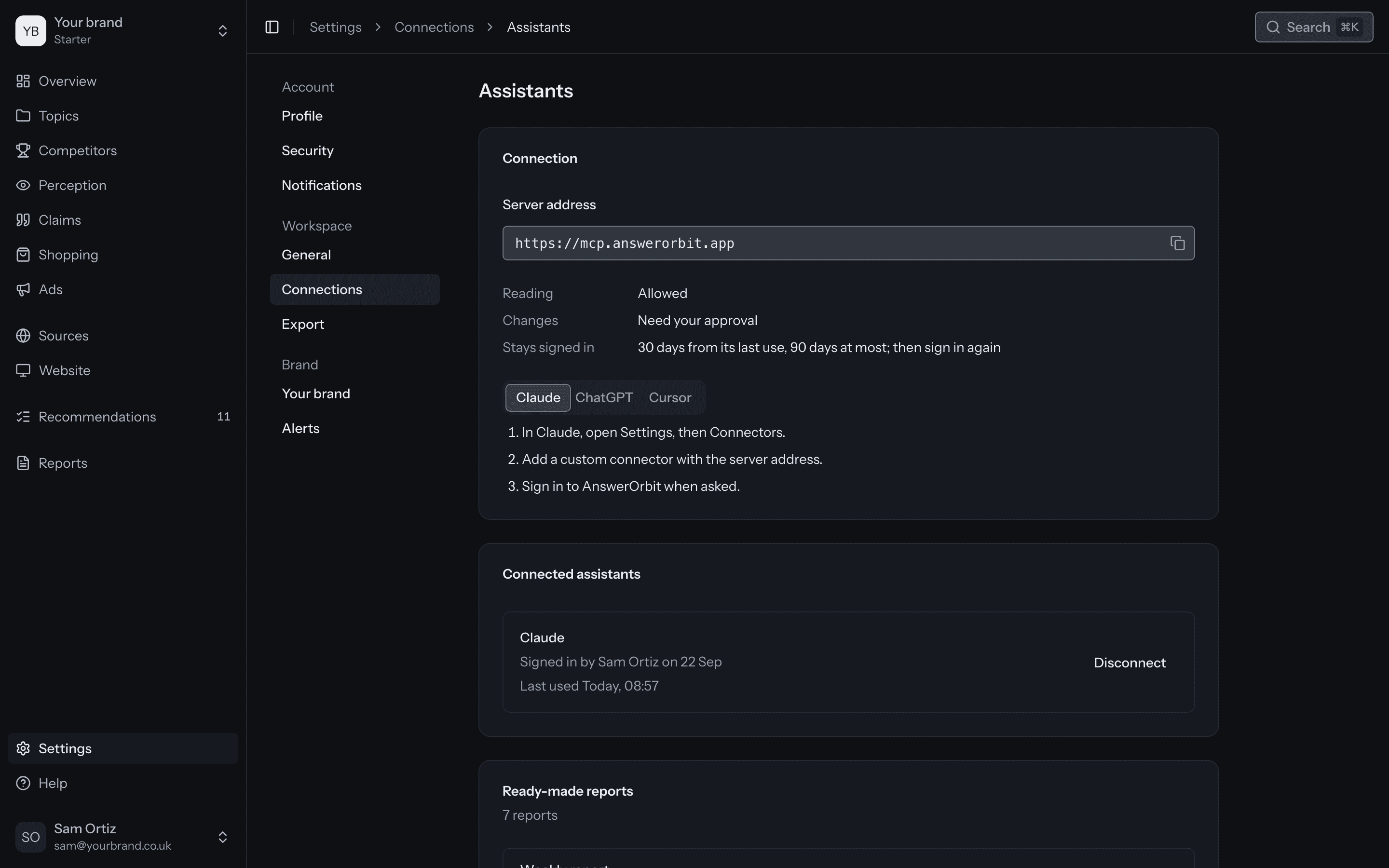
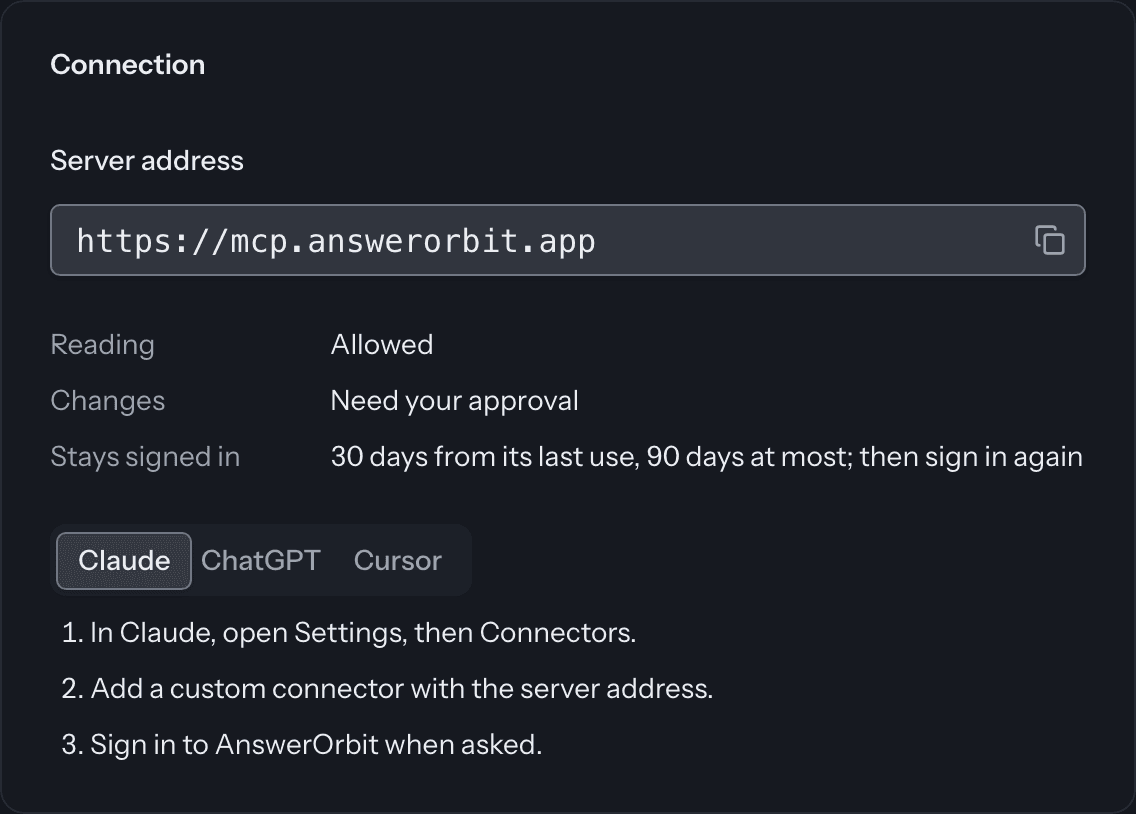
Connect in three steps
Add our server address as a connector in your assistant, then sign in.
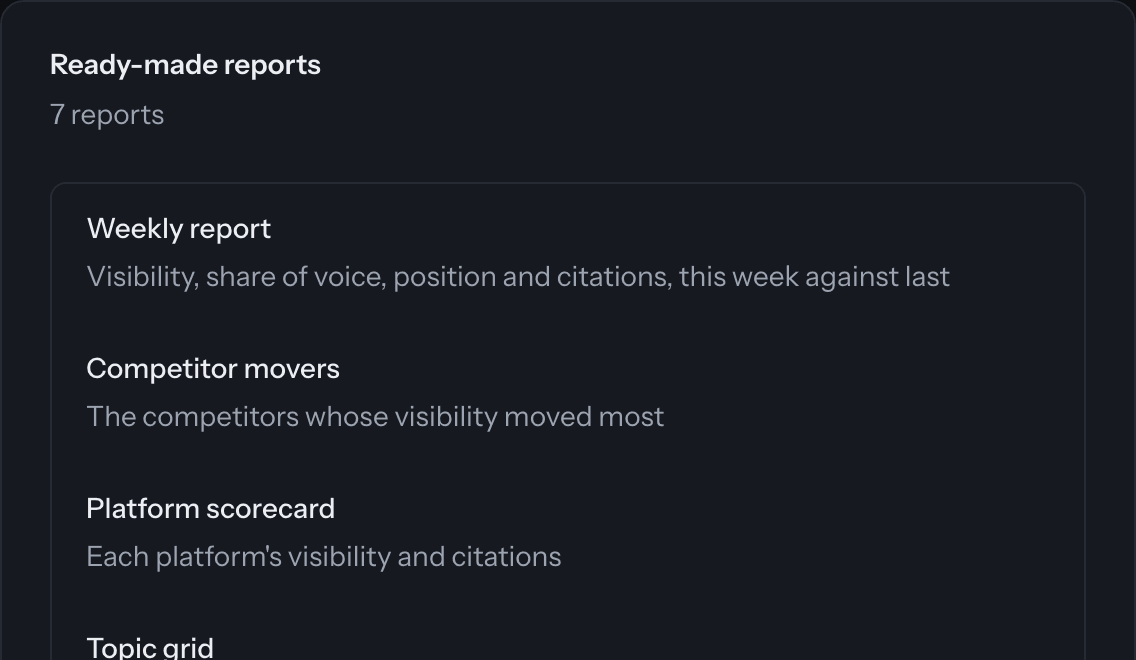
Ready-made reports
The weekly report, competitor movers and five more, as prompts.
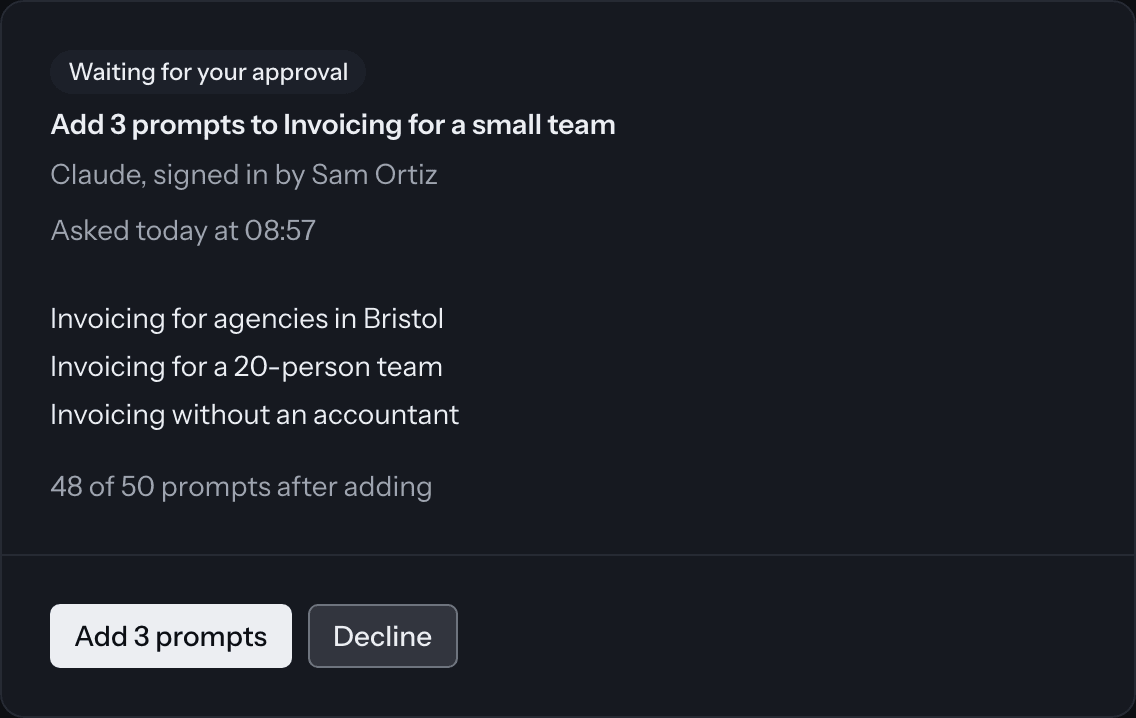
It asks before it changes anything
Your assistant can ask to add prompts. Nothing changes until you approve.
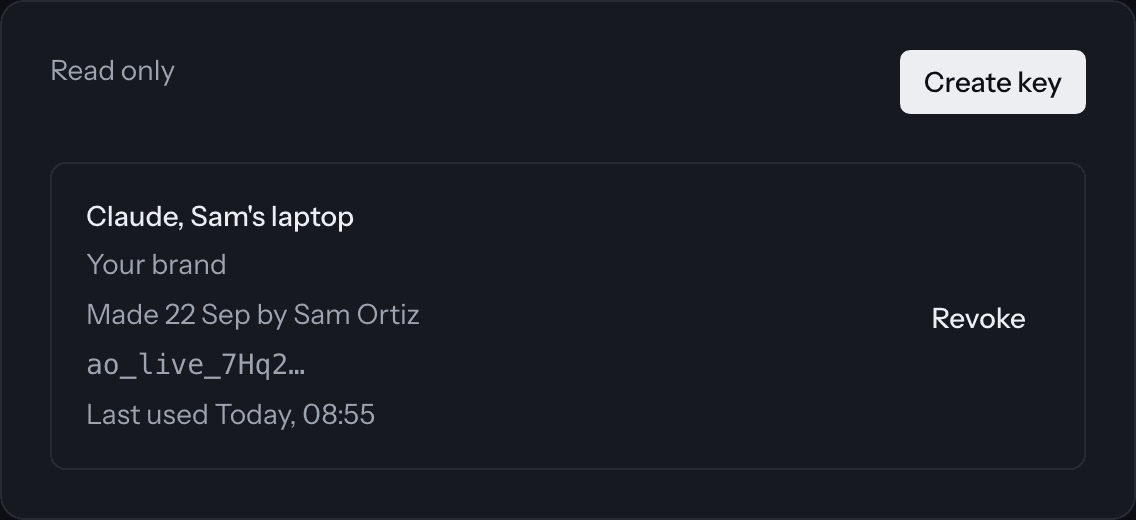
An API from Growth
A read-only key for each brand, for your own dashboards and tools.
Questions
What can my assistant read?
Visibility, share of voice, position and citations over the last 7, 28 or 90 days, by topic, prompt, platform, market or competitor.
Can it read every brand in our account?
Only the brands you choose, and never more than you can see yourself.
How long does it stay connected?
30 days from its last use, and 90 days at most. You can disconnect it at any time.
Which plans include the API?
Growth, Scale and every agency plan. The MCP server is on every plan.