Set up your brand
Add your website, your competitors and the questions your customers ask. It takes a few minutes.
Setting up a brand takes a few minutes. You can change everything later, so don't worry about getting it perfect the first time.
Sign in
Go to the sign-in page and enter your work email. We'll email you a six-digit code. Enter it and you're in. There's no password to remember.
Add your website
Enter your website's address, for example yourbrand.com. We'll read your site to work out your brand's name, what you sell and who you compete with. This can take a couple of minutes. While it runs, you'll see two quick questions about you. Both are optional.
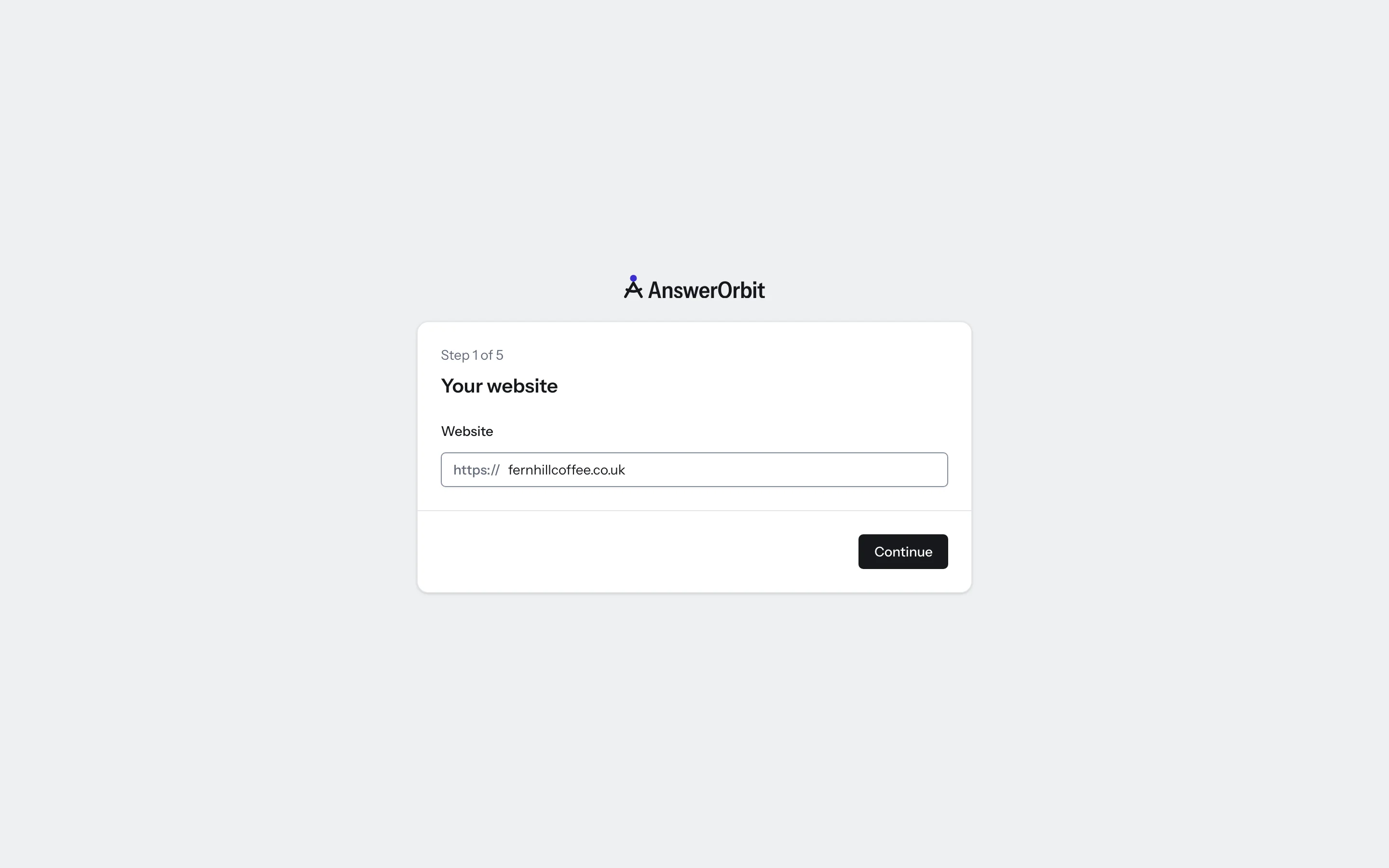
If we can't read your site, just type your brand's name and what you sell, and carry on.
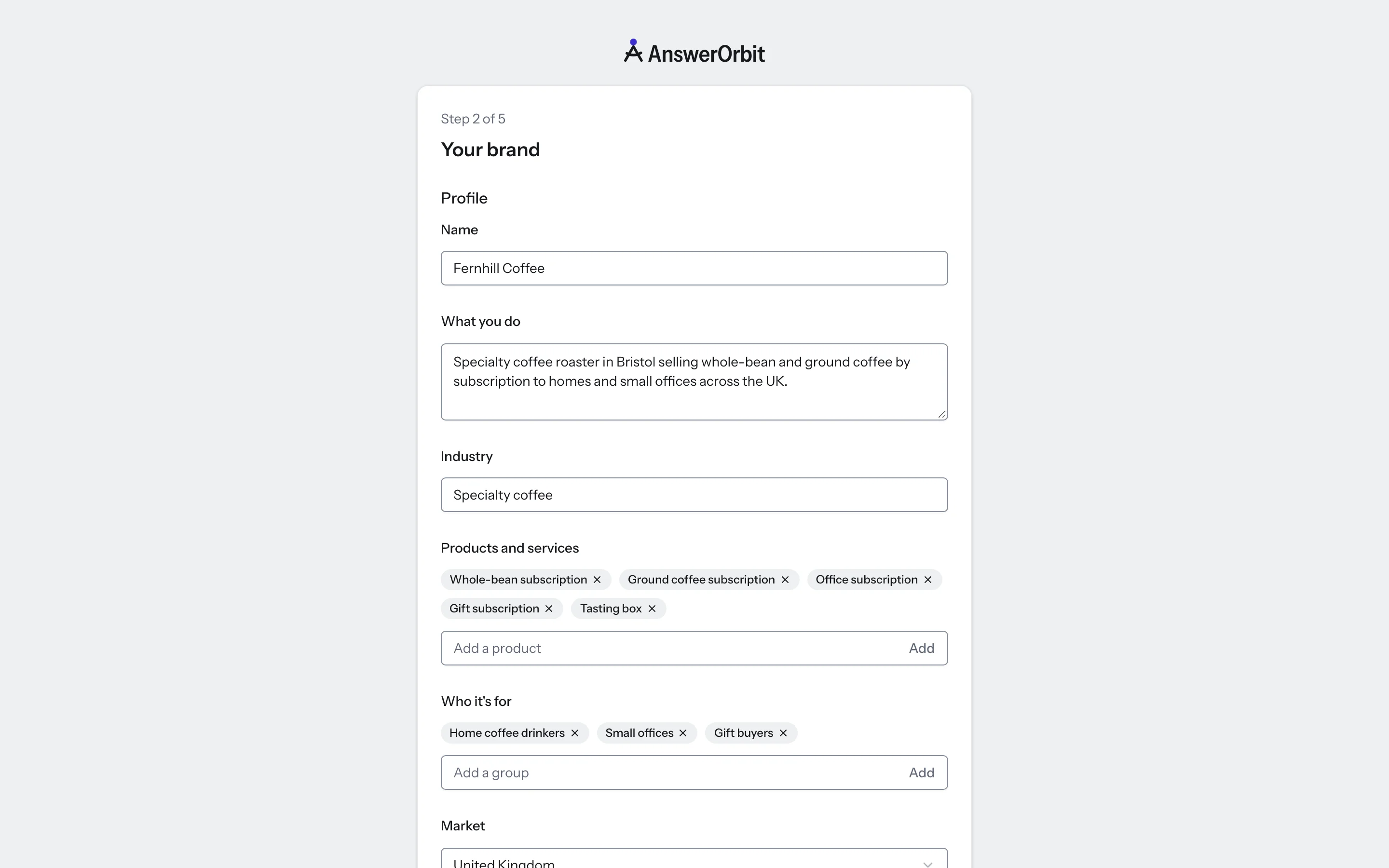
Check what we found
You'll see what we read from your site: your industry, your products and services, who they're for, and the names your brand goes by. Correct anything that's wrong.
Pay the most attention to the names. An answer only counts as naming you if it uses one of them. If customers call you by a short name or spell you two ways, add both.
Then choose your market. That's the country your questions are asked from. How many markets you can track depends on your plan.
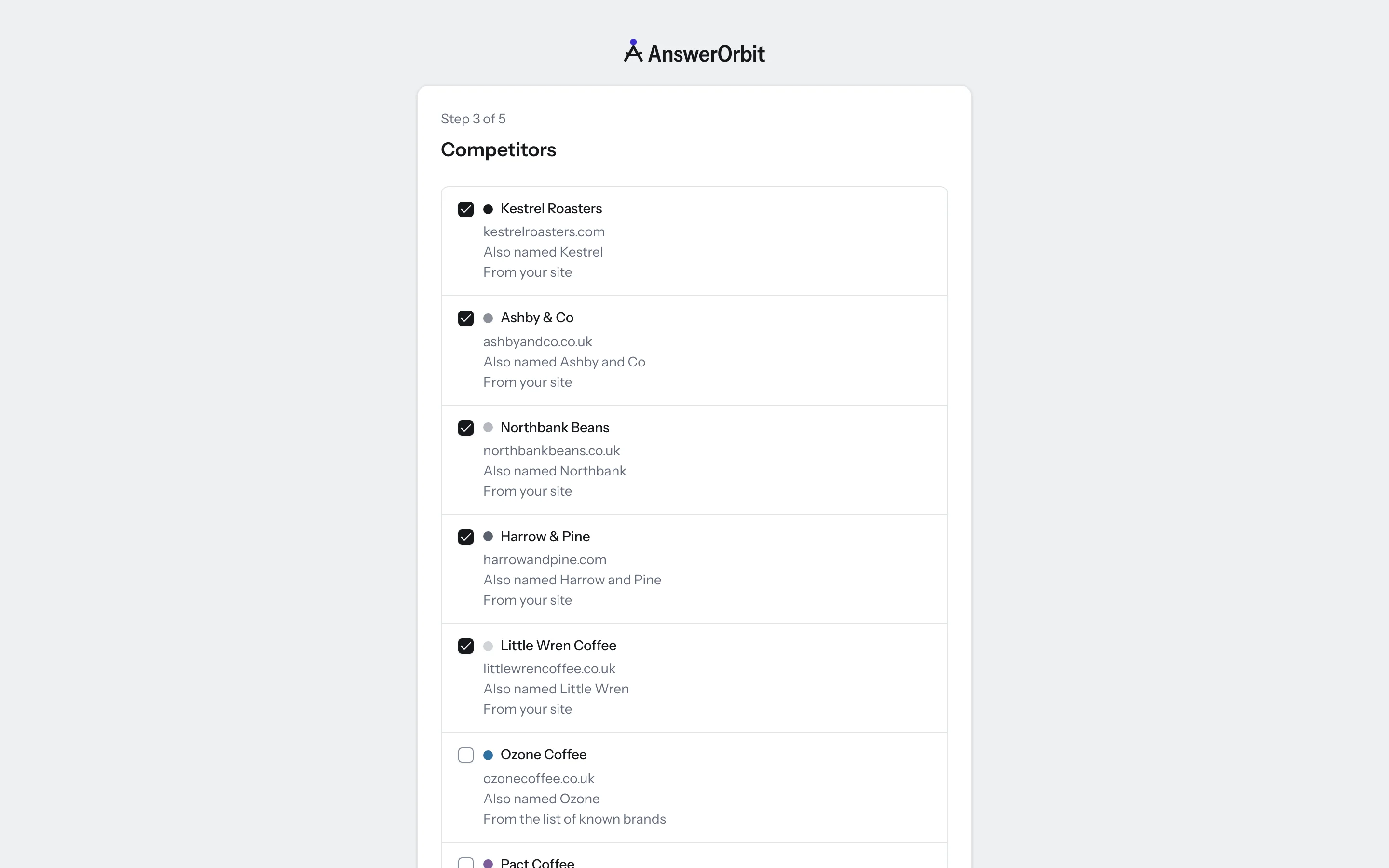
Choose your competitors
We suggest competitors from your website and from our list of known brands. Keep the ones you want to compare yourself with, and add any we missed. You can track up to 20.
Not sure who to pick? Start with the brands your customers would weigh you against. Once your first answers come in, the Suggested tab in Competitors shows the brands AI platforms name next to you.
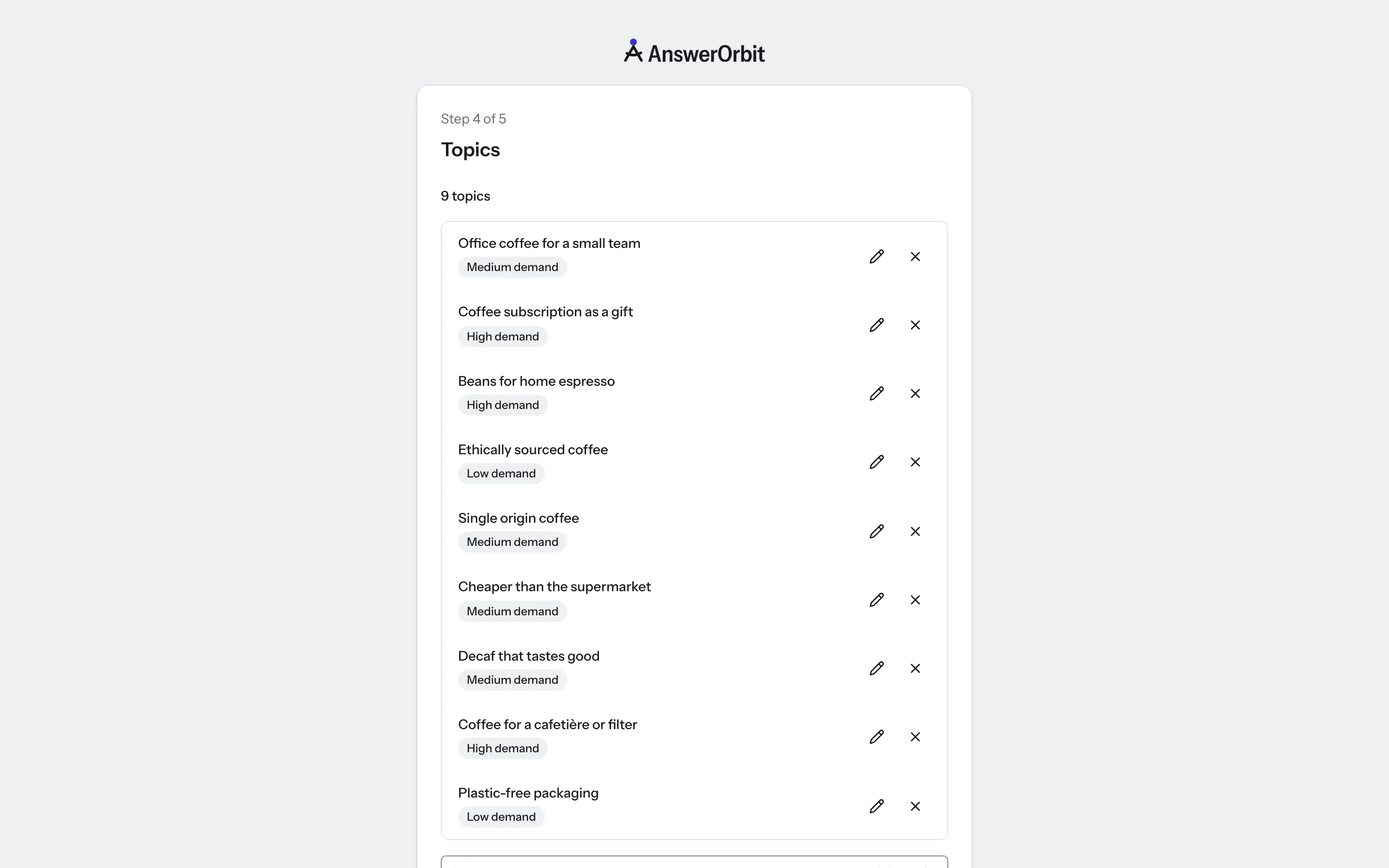
Add your topics and prompts
A prompt is a question your customers might ask an AI platform, such as: What's the best project management tool for a small agency? Topics group your prompts by subject, so you can see which subjects you're named for and which you're not.
We suggest topics based on your website. Rename or remove the ones that don't fit, and add your own. Then click Suggest prompts to fill each topic, or type your prompts in yourself.
Write prompts the way customers ask
Write each prompt as a whole question, the way a customer would put it to a person. A question like "Which CRM is easiest to set up for a five-person sales team?" tells you more than a few keywords.
Each prompt in each market counts once toward your plan. If you end up with more prompts than your plan holds, the extra ones wait in Topics until you remove some or upgrade.
Choose a plan
Pick a plan and add your card. Your first 14 days are free, and checkout shows you the date the price starts. If you've had a free trial with us before, the price starts today.
Plans differ in how many brands, prompts and markets you can track. Every plan includes all six AI platforms. You can compare them on our pricing page.
What's next?
Your first numbers arrive within a few minutes of finishing setup. Here's what to do next:
- Read your first days to see what you can do on day one
- Learn what each number means in What the numbers mean
- Take a tour of the Overview, the first screen you'll see