Competitors
Choose the brands you compare yourself with, and add the names they go by.
Your competitors are the brands your share of voice and ranks are measured against. Pick the brands your customers would weigh you against. You can track up to 20 for each brand.
Go to Competitors in the sidebar to see them. There are five tabs.
Ranking
You and every competitor, side by side, on the same numbers for the period you've picked.
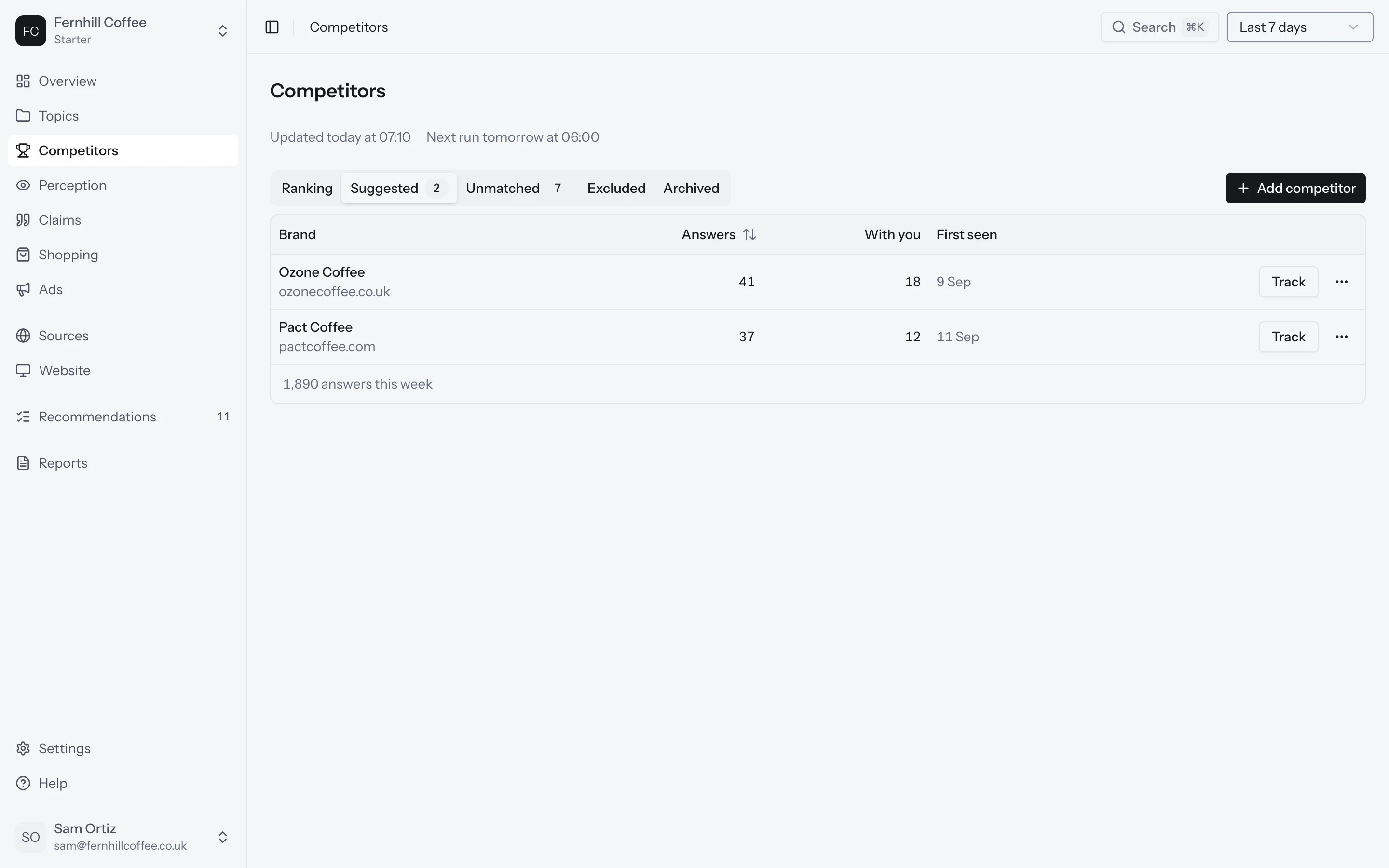
Suggested
Brands the platforms name next to you that you don't track yet. Click Track to add one, or Dismiss if it's not a competitor.
It's worth checking this tab in your first few weeks, while your list of competitors is still new.
Unmatched
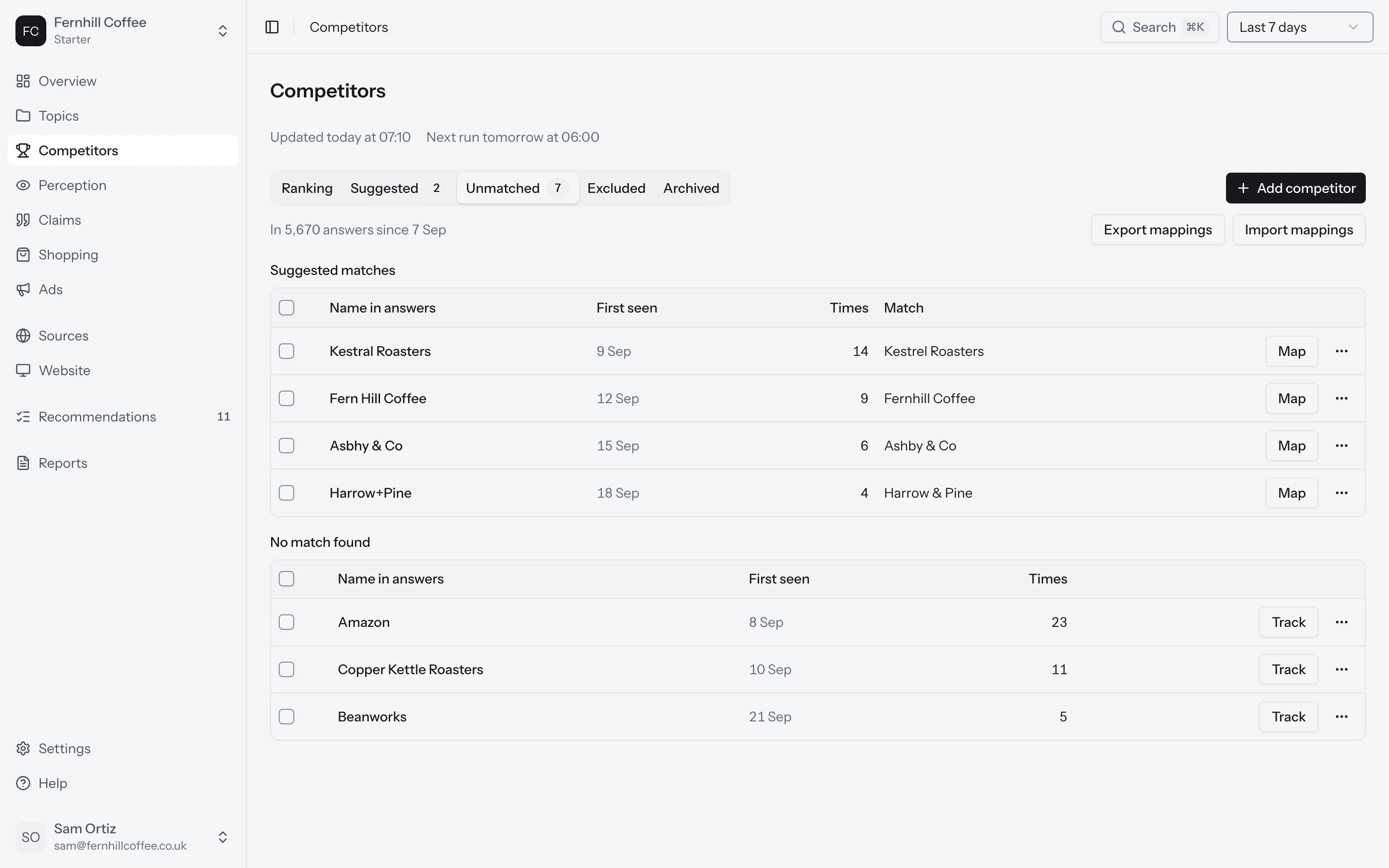
Names in the answers that we couldn't match to any brand you track. It might be a competitor's name spelled another way, or a short name they go by.
Map a name to the right brand and we'll recount your answers so far, so that brand's numbers include it.
Excluded
Names you've told us to leave out of your numbers. Exclude a name when it isn't a competitor at all, like an ordinary word that also happens to be a brand.
When you exclude a name, we recount every answer you've collected so far. Your numbers update when the recount finishes. If you restore a name later, we recount again.
Archived
Competitors you've stopped tracking. Their history stays, so nothing is lost if you track them again.
Add the names they go by
A competitor is counted under every name you give it, as a whole word. If customers use a short name, a nickname or a common misspelling, add it.
To add a name, open the competitor and go to its names. You can also add its domains there. They tell Sources which pages are that competitor's own.
Adding a competitor later
When you add a competitor, we recount every answer you've collected so far. Its history starts on the same day as yours, so you can compare the two from day one.
Expect your share of voice to change when you do this. Share of voice is your share of the mentions of every brand you track, so adding a brand makes the total bigger. Share of voice has an example.