The API
Read a brand's numbers from your own tools, on Growth, Scale and every agency plan.
Want your AnswerOrbit numbers in your own dashboard or spreadsheet? The API lets your tools read a brand's numbers. It can only read, so nothing you send through it changes anything in AnswerOrbit.
The API is included on Growth, Scale and every agency plan.
Make a key
Go to Settings, then Connections, and open API keys. Click New key, give the key a name and choose the brand it reads. Each key reads one brand.
You'll see the whole key once, right after you make it. Copy it straight away and keep it somewhere safe. You won't see it again after you close the window.
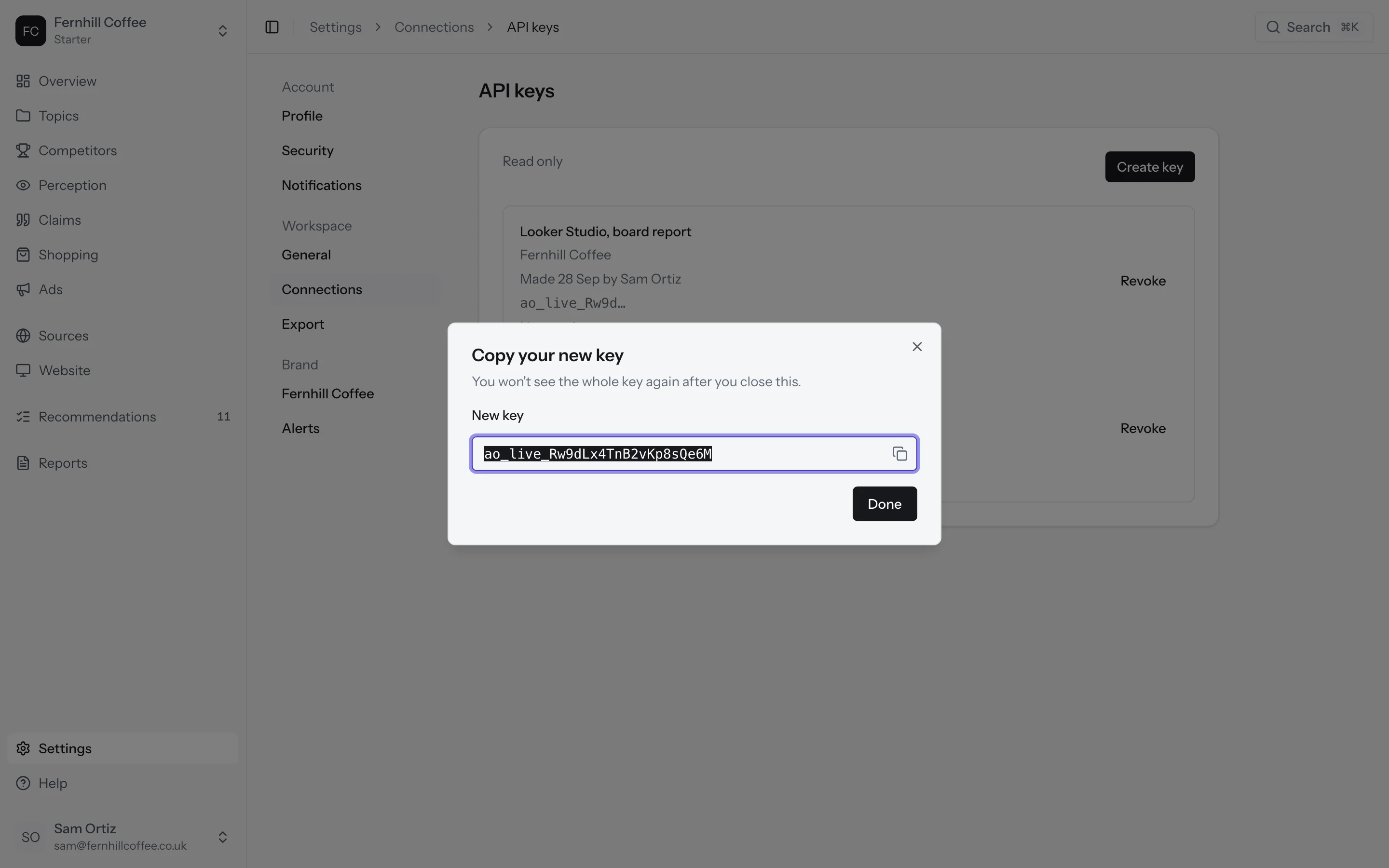
Keys can only be made for a brand that's running, so not for an archived brand, a brand still in setup, or a pitch. Only someone who manages connections can make or revoke a key.
Use your key
Send the key as a bearer token with every request:
curl "https://dashboard.answerorbit.app/api/v1/numbers?by=topic&period=28" \
  -H "Authorization: Bearer ao_live_…"
Revoke a key
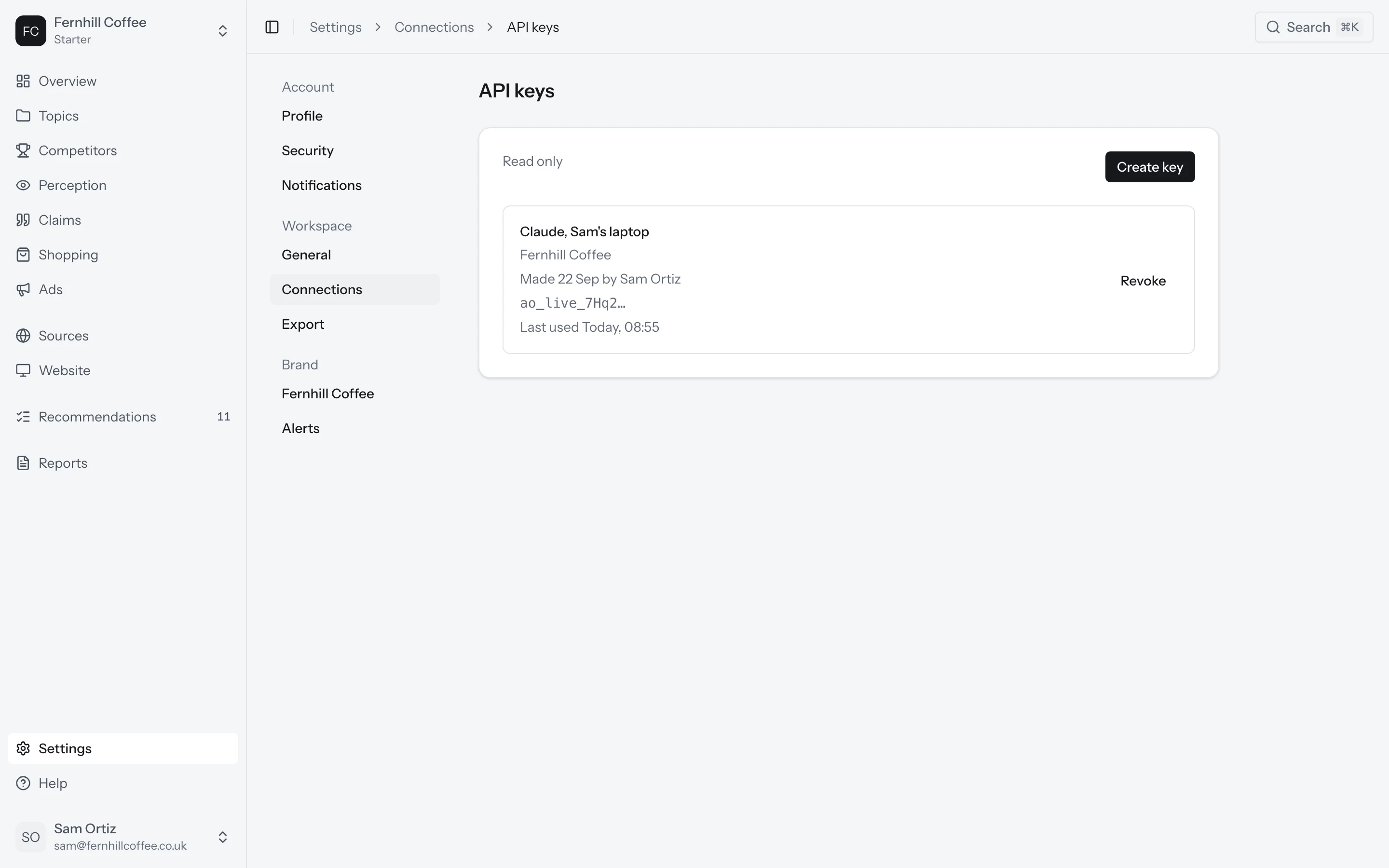
Don't need a key any more? Click Revoke next to it on the API keys page. Anything using it stops reading your numbers straight away.
GET /api/v1/brand
The key's brand: its id, name and time zone, today's date where the brand is, and the brands its answers are counted for.
GET /api/v1/numbers
The brand's numbers over the full days before today.
| Parameter | Values | Default |
|---|---|---|
by | total, topic, prompt, platform, market, audience, tag, competitor | total |
period | 7, 28, 90 (days) | 7 |
Each row has visibility, share of voice, position, citations, citation share and citations per answer. What the numbers mean explains each one. Every number comes with:
current: its count and total (or its average and sample size)previous: the same for the period beforechange:real(bigger than a normal week's movement),noise(within it) orfew(too few answers to tell)asOf: when it was counted, or null if there's nothing to count yetmethodVersion: the version of the rules it was counted with
Errors
| Status | Error | What it means |
|---|---|---|
| 401 | invalid_key | No key, an unknown or revoked key, or one whose brand is archived |
| 400 | invalid_query | A by or period value we don't offer |
| 403 | account_stopped | The workspace has ended or is scheduled for deletion |
| 404 | not_found | The key's brand no longer exists |
| 429 | rate_limited | More than 200 calls a minute for this brand, or too many unknown keys from your address. Try again after Retry-After seconds |
Responses are never cached.
What's next?
- Ask your AI assistant about your numbers instead: Connect your assistant
- See how every number is counted in How we count